


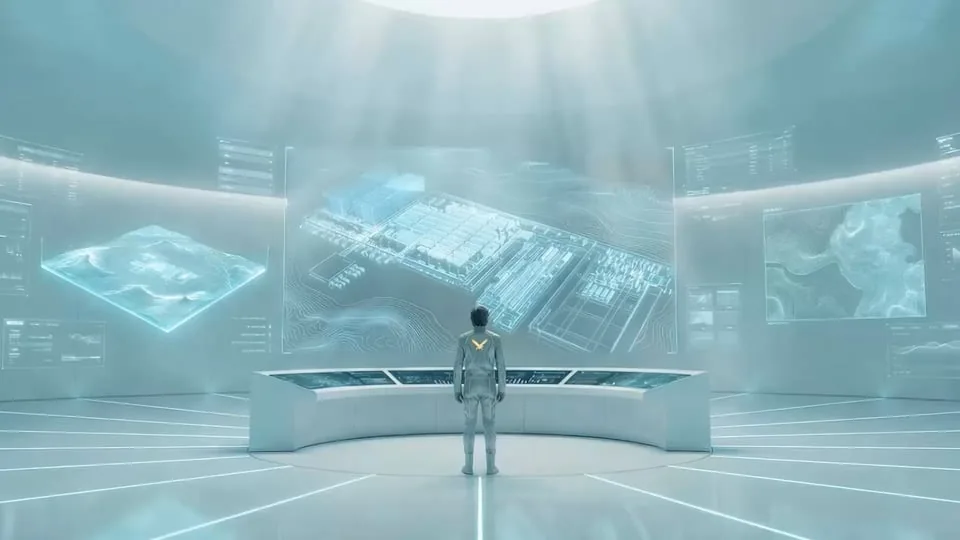
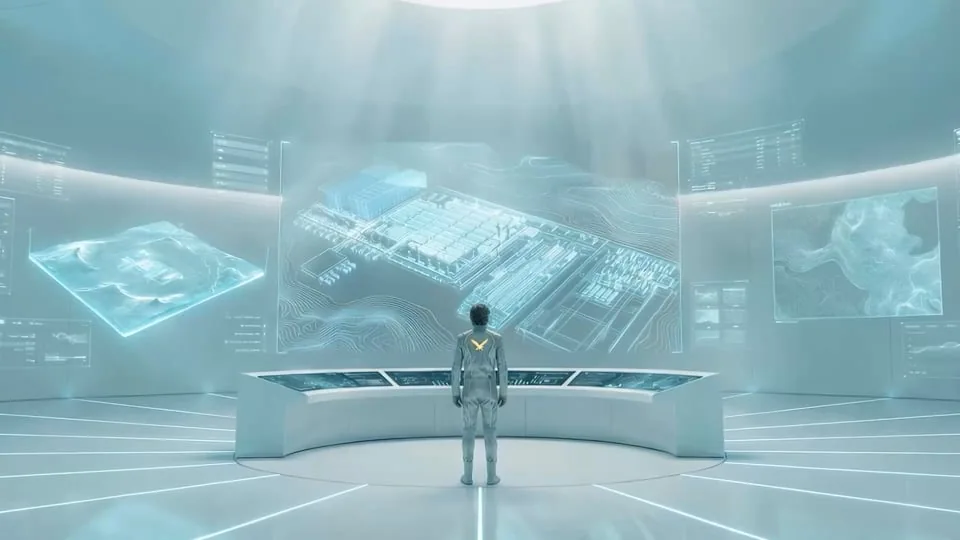
Corporate films, product stories and communication content: one service combining the possibilities of AI with considered production. Explore our projects and see how we work.
Video AI
New visual possibilities, with a clear creative direction. We produce AI videos for companies and agencies, bringing generated imagery, animation and post-production together in a story built around your brand.
SERVICES 
Works
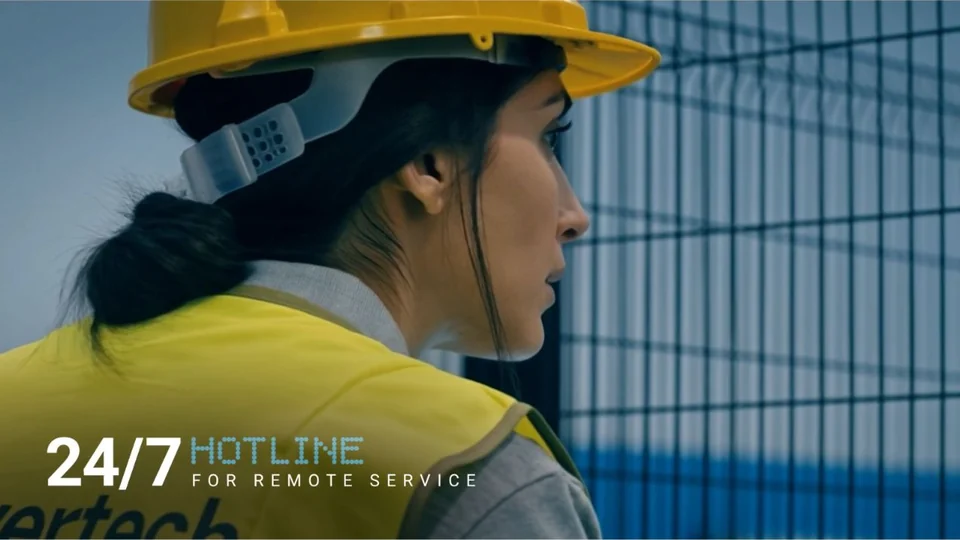
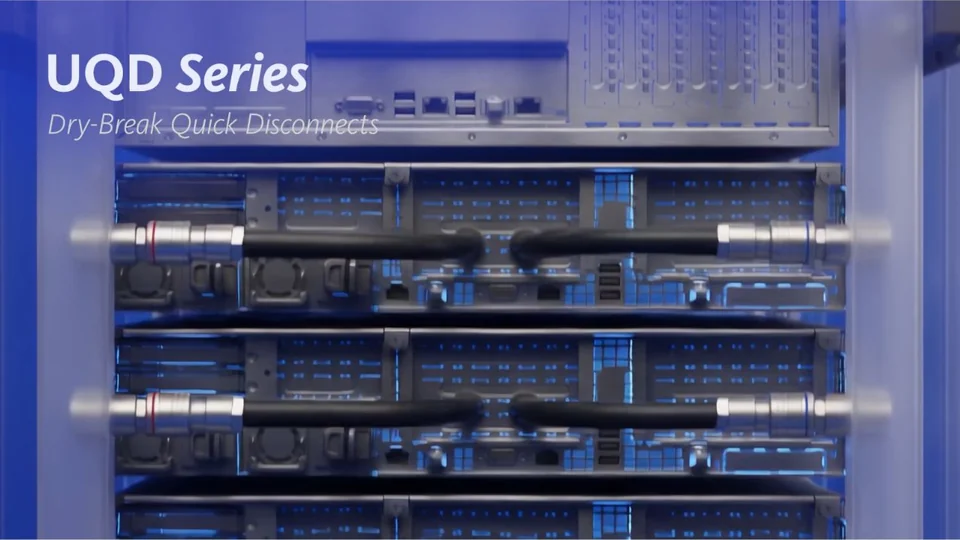
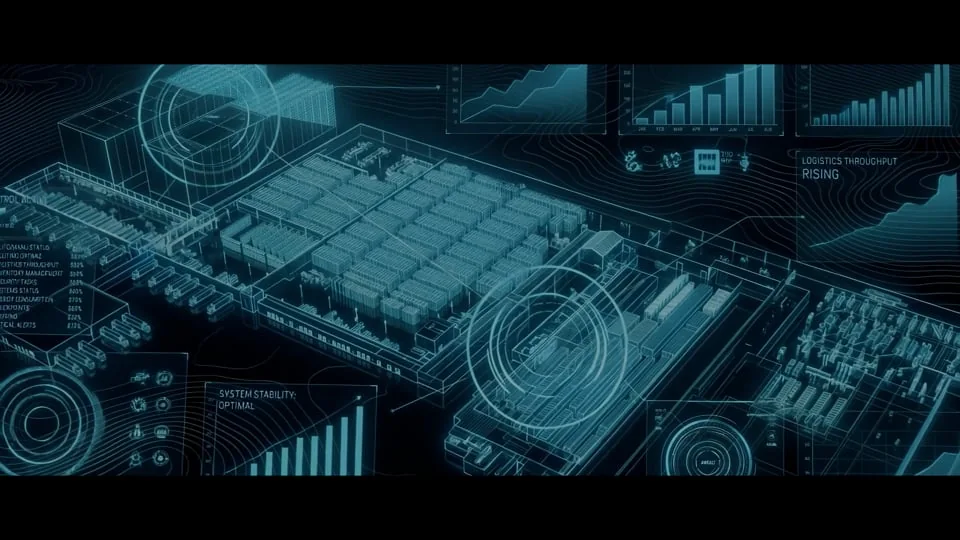
Six projects exploring different ways to use AI in visual storytelling.
How we work
AI is a tool. Creativity sets the direction.
Start with the idea
We define the message, audience and style. The concept and storyboard give the video its direction.
Create the imagery
We develop AI sequences and select those that fit the story and the brand.
Build continuity
We combine materials, refine details and shape transitions, pacing and a consistent visual style.
Complete the film
Editing, graphics and sound bring the film together in the formats agreed for your channels.
Before we start
Your first questions, briefly.
What does AI Video mean?
It is a production that uses generative artificial intelligence for some imagery or sequences. Concept, direction, material selection and editing remain creative work led by our team.
Can it work for industrial communication?
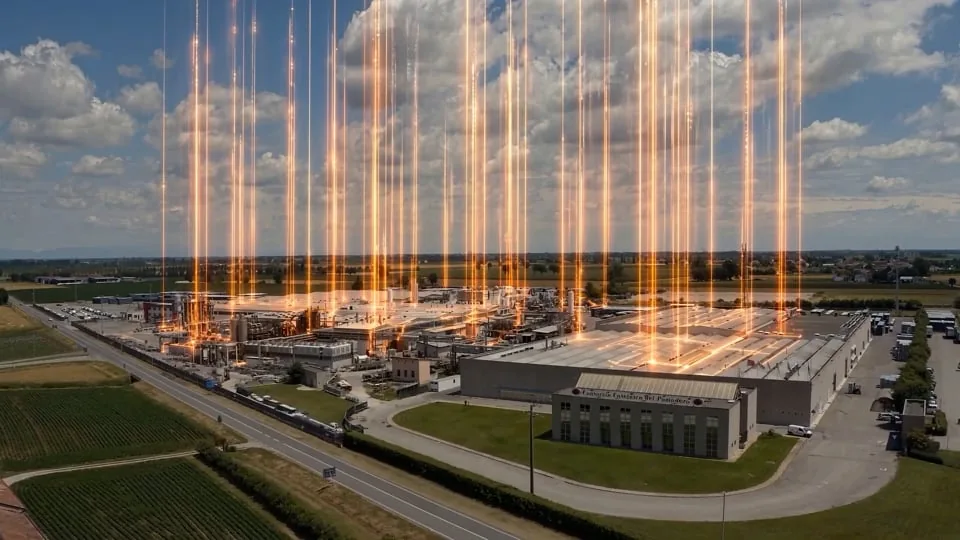
Yes, it can help build settings, atmospheres and stories. When a component or process needs a faithful representation, we assess live footage or 3D and use AI where it adds value.
Do you work with agencies?
Yes. We can start from your concept or develop the creative direction together, agreeing the style, materials and versions to produce.
Which idea would you like to turn into a video?
Request a video call with one of our experts.
Contact us